> ## Documentation Index
> Fetch the complete documentation index at: https://help.broadstripes.com/llms.txt
> Use this file to discover all available pages before exploring further.
# Enabling and using merge fields in messaging
# What are merge fields?
Merge fields are dynamic placeholders that can be inserted into messages to display specific information about the recipient. For example, you can use a merge field to display the recipient's first name, last name or even the value of a specific custom field.
## Enabling merge fields
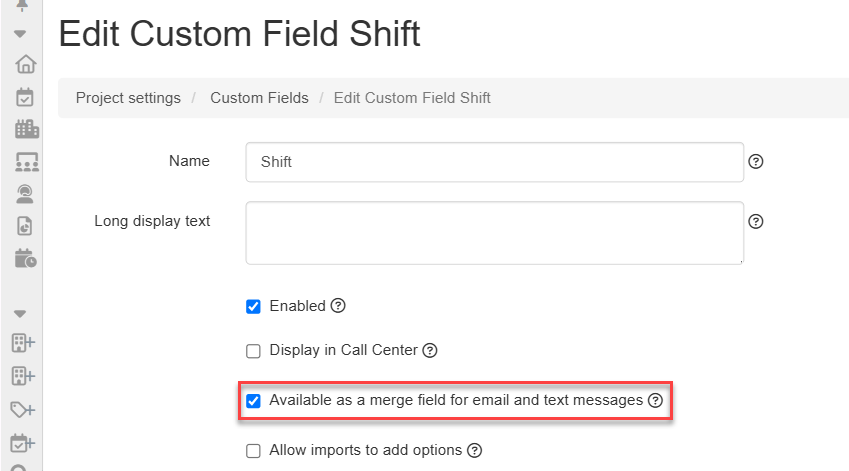
There are basic merge fields, custom field merge fields and external system merge fields. Basic merge fields, like "First name", "Last name", and "Employer" are always available, but custom field merge fields will need to be enabled by a project admin in the custom field's Edit page.
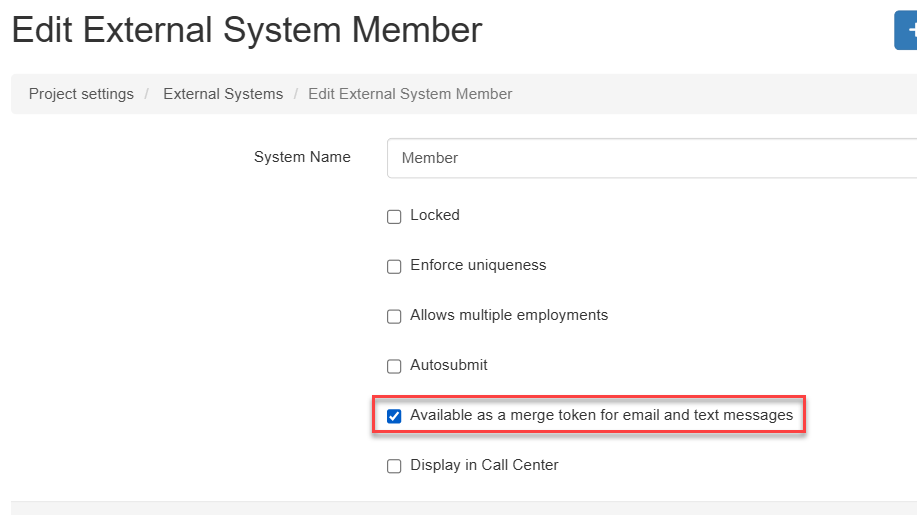
 External system merge fields will need to be enabled by a project admin in the external system's Edit page.
 ## Using merge fields
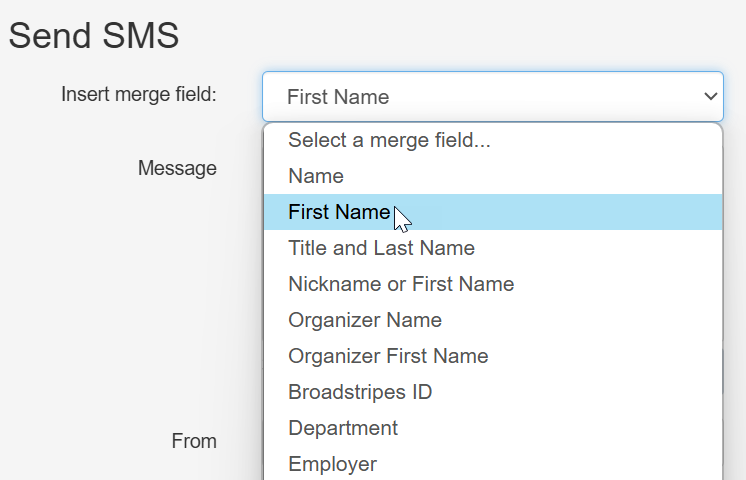
When creating a message, you can use merge fields by adding the merge field name in the message body. For example, to use the "First name" merge field, you would select "First name" from the merge field dropdown in the **Send SMS** or **Send Email** panel.
## Using merge fields
When creating a message, you can use merge fields by adding the merge field name in the message body. For example, to use the "First name" merge field, you would select "First name" from the merge field dropdown in the **Send SMS** or **Send Email** panel.
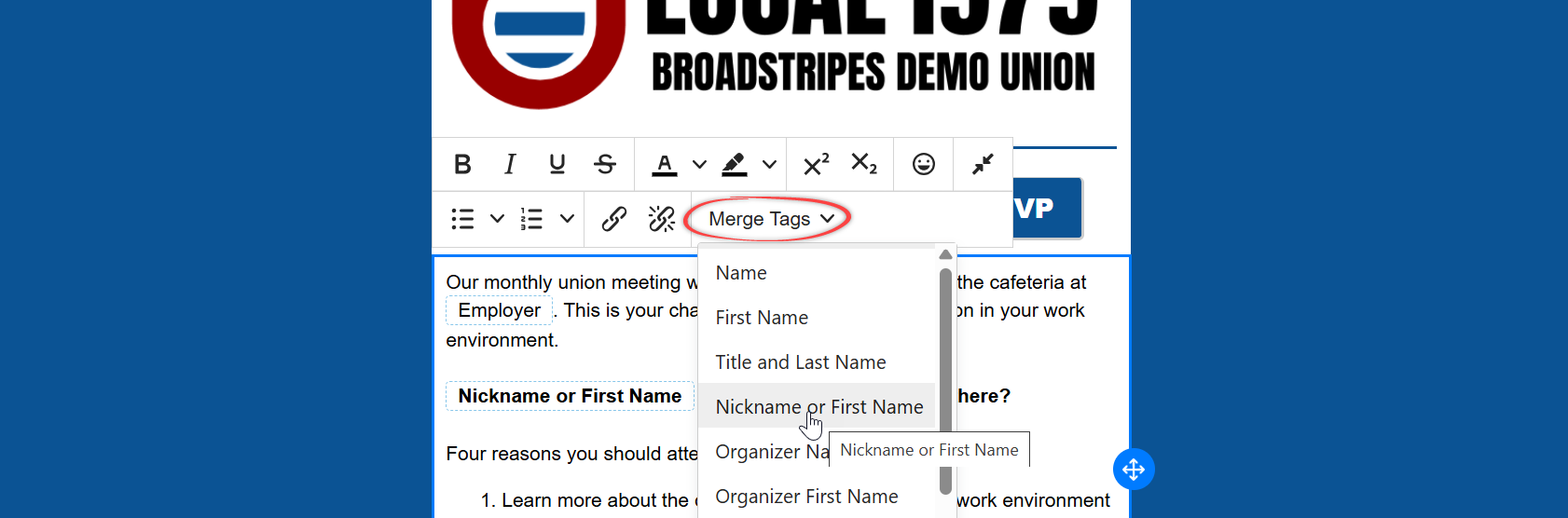
 You may also add merge fields to an email template by inserting the merge field name in the email template body. For example, to use the "First name" merge field, you would insert the merge field by selecting the "First name" in the **Merge tags** dropdown menu.