> ## Documentation Index
> Fetch the complete documentation index at: https://help.broadstripes.com/llms.txt
> Use this file to discover all available pages before exploring further.
# Welcome to Broadstripes!
This video will walk you through some of the most common tasks for new users including:
* Viewing your homepage
* Searching for a worker or shop by name
* Adding a new worker or shop
* Getting around the Turf Panel and Search Results Panel
* Data entry
* Printing a list
* Viewing workers on a map
* Using the Broadstripes Knowledge base
If you need more help, you can search a topic here in the support center, or [contact us](/docs/contact-us).
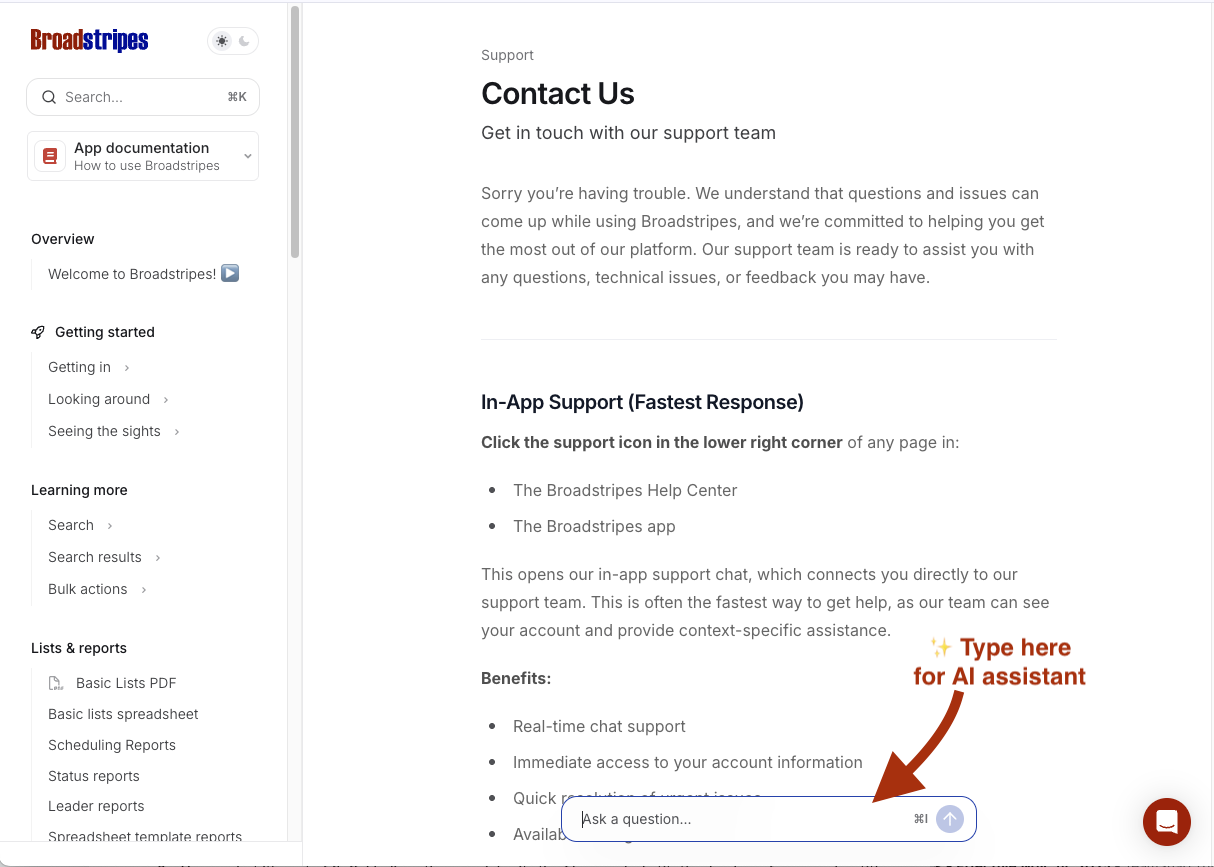
While you are here in the Help Center, use the AI assistant to instantly search through the knowledge base, answer questions, point to relevant documentation and troubleshoot your issues.
**To access AI Help:** Press **⌘ I** (Mac) or **Ctrl+I** (Windows) from any page or type your question into the search box at the bottom center of any page on this help site.
 ### Getting Started articles
Start learning the basics of Broadstripes. These guides will help you get up and running quickly.
### Getting Started articles
Start learning the basics of Broadstripes. These guides will help you get up and running quickly.