> ## Documentation Index
> Fetch the complete documentation index at: https://help.broadstripes.com/llms.txt
> Use this file to discover all available pages before exploring further.
# Use the Quick Search
> Find contacts quickly by name or workplace using the Quick Search dialog
Much of the work you do in Broadstripes will begin with a search. Whether you're trying to pull up the record of one specific person, or all the people at a certain work location, it's simple with **Quick Search**.
## Opening Quick Search
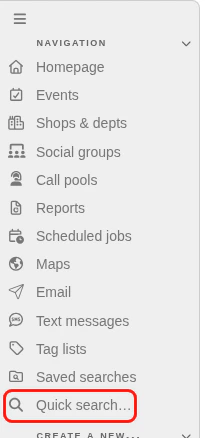
Click the **Quick search** link in the left sidebar to open the Quick Search dialog.
 ## Searching by name or workplace
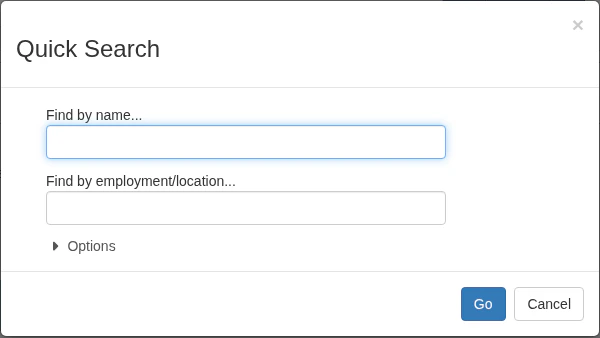
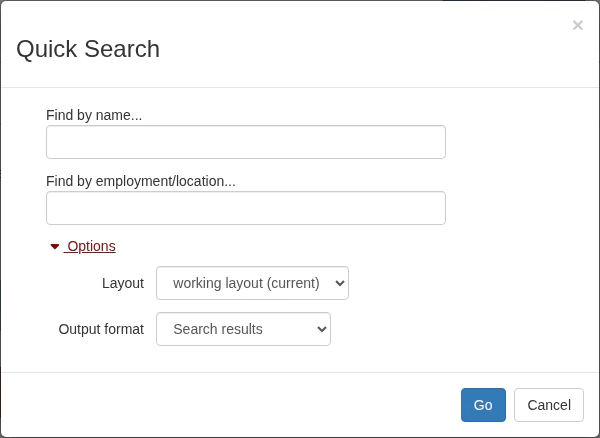
The Quick Search dialog has two search fields:
* **Find by name** — type a person's name to search for an individual contact
* **Find by employment/location** — type a workplace name to find all workers at that location
## Searching by name or workplace
The Quick Search dialog has two search fields:
* **Find by name** — type a person's name to search for an individual contact
* **Find by employment/location** — type a workplace name to find all workers at that location
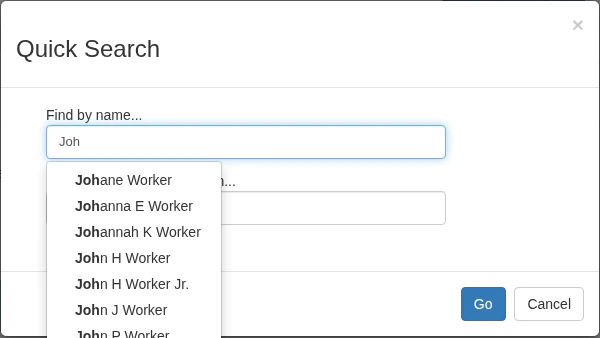
 As you type, Broadstripes suggests matching names for you. Select a suggestion or finish typing and click **Go** to launch the search.
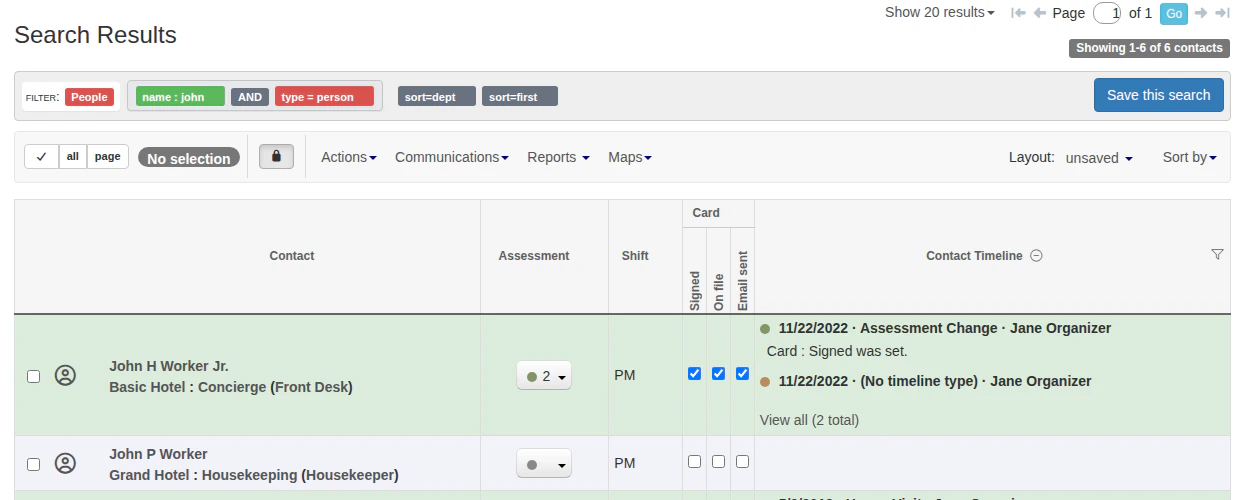
 Your search results appear on screen using your current layout.
 ## Using search options
To change the layout or output format before searching, click **Options** to expand additional settings.
## Using search options
To change the layout or output format before searching, click **Options** to expand additional settings.
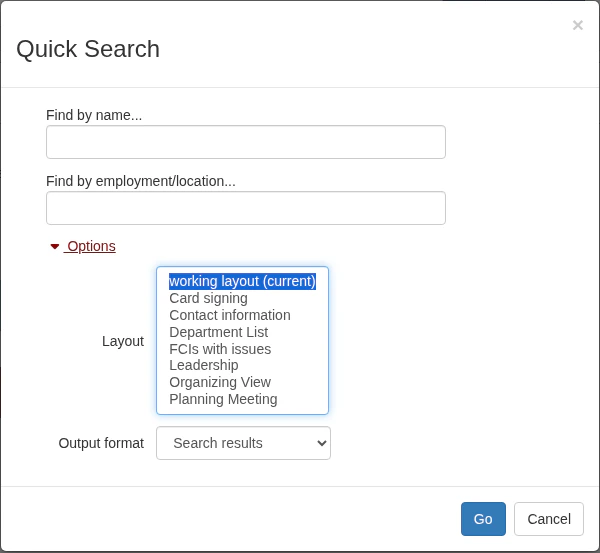
 **Layout** — choose from any of your saved layouts to control which columns appear in the results. Learn more in the [Create and save a layout](/docs/customize/save-a-layout) article.
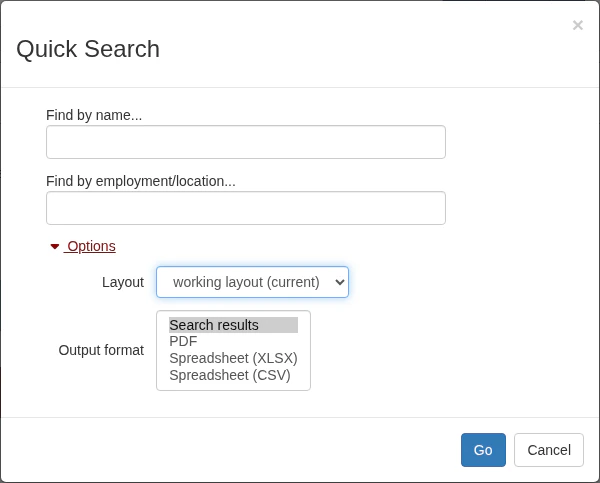
 **Output format** — instead of displaying results on screen, you can export them as a PDF or spreadsheet (XLSX or CSV).
 After you've chosen your options, click **Go** to launch the search. Depending on your choices, Broadstripes will show the results on screen or generate a file for you to download.
Quick Search is a great way to find contacts fast, but it isn't the only way to search Broadstripes. The search builder allows you to search using a host of additional criteria. Learn about building your own custom search in the [Search builder](/docs/search/search-builder-build-an-advanced-search) article.
After you've chosen your options, click **Go** to launch the search. Depending on your choices, Broadstripes will show the results on screen or generate a file for you to download.
Quick Search is a great way to find contacts fast, but it isn't the only way to search Broadstripes. The search builder allows you to search using a host of additional criteria. Learn about building your own custom search in the [Search builder](/docs/search/search-builder-build-an-advanced-search) article.