

Notification preferences
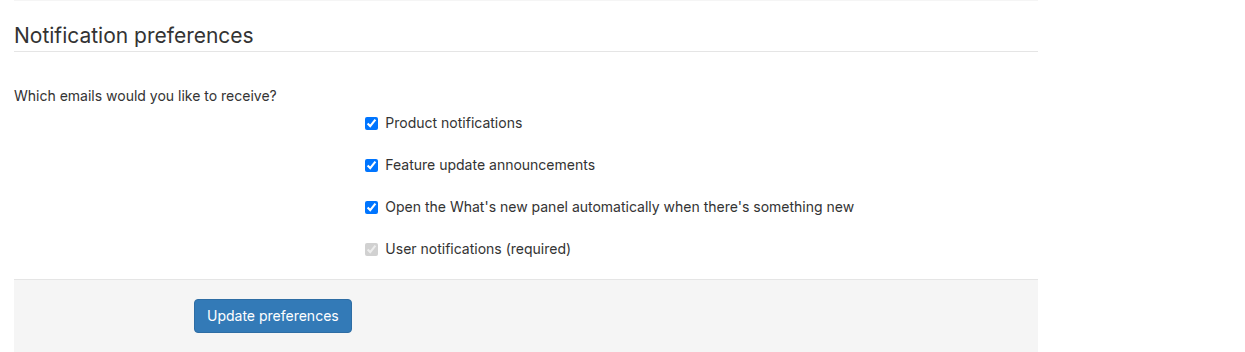
Your Notification preferences let you choose which categories of email you receive from Broadstripes and control in-app panel behavior. You can update these from your account settings page or from the unsubscribe link in any product notification email.Email categories
In-app panel preferences
Update your preferences from account settings
- In the top-right corner of Broadstripes, click your user disc (the circle showing your initials or photo) to open the user menu.
- Click User settings.
- Scroll down to the Notification preferences section.
- Check or uncheck the categories you want to receive.
- Click Update preferences to save.
Update your preferences from an email link
Broadstripes product notification emails include an unsubscribe link at the bottom. Clicking it opens a preferences page where you can check or uncheck the email categories you want to receive, then click Save Preferences to confirm.If you follow an unsubscribe link from an email and the link has expired or is invalid, you will see an “Invalid link” message. In that case, update your preferences directly from your account settings page instead.