

-
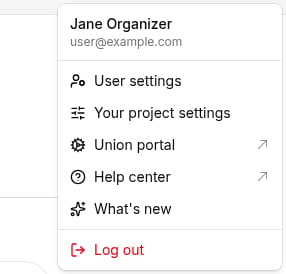
Log in to Broadstripes. In the top-right navigation bar, click your user disc (the circle showing your initials or photo) to open the user menu, then select User settings.
-
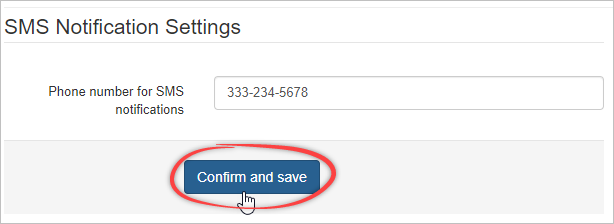
On your user settings page, find the SMS notification settings section. Enter your cell number in the Phone number for SMS notifications field, then click Confirm and save.
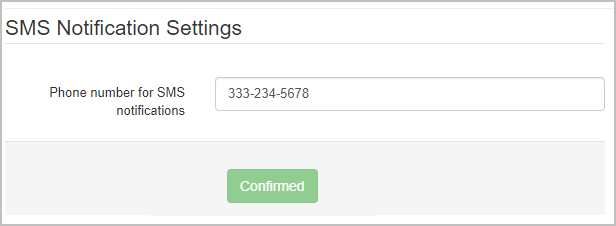
- Broadstripes sends a text to that number to confirm it. Reply to the message with the word YES.
The SMS notification settings section appears only when your organization is set up for texting. If you don’t see it, ask your project admin whether your organization has been verified for SMS messaging.