

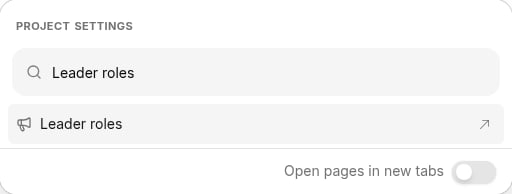
- To get started, you can access leader roles in one of two ways: Click the Project settings icon in the upper right corner of any page (or press Ctrl-K / ⌘K), then choose Leader roles.
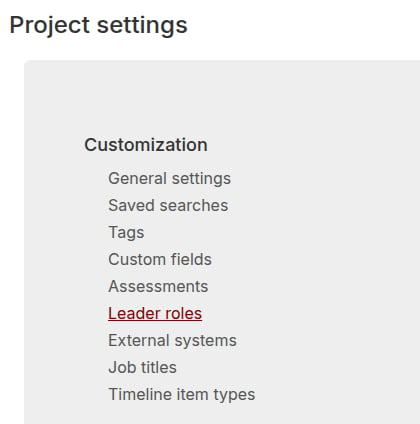
- Or, from the Project settings page, click the Customization > Leader roles link.
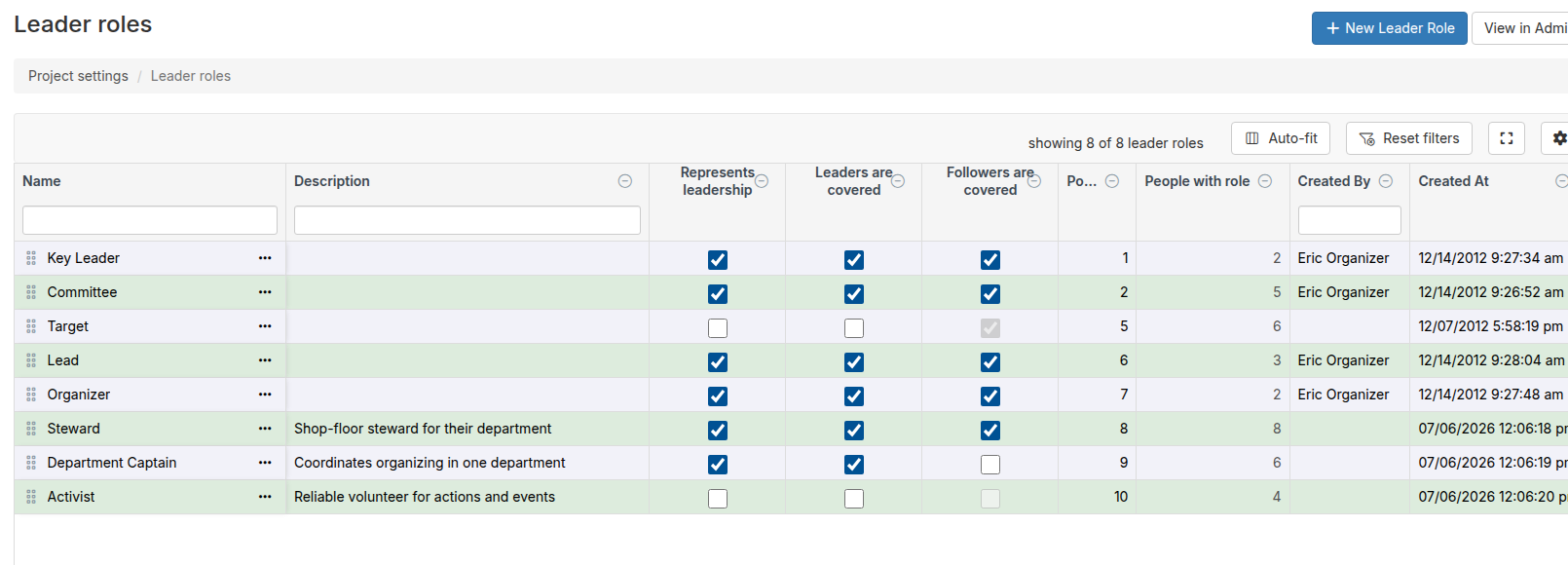
- The Leader roles index page will open, displaying all of the roles you have set up. You can view and manage your project’s leader roles from this page.
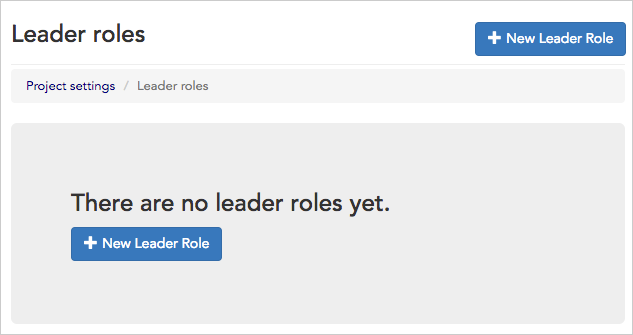
- If you haven’t yet set up any roles, your index page will open with a button to create a + New Leader Role.
- Instructions on how to edit, delete, or create new leader roles, are covered in detail in the leadership roles article.