

What’s the difference between “Assessments” and “Codes”?
To give a short answer – well, nothing! “Assessment” and “Code” refer to the exact same piece of employment information in Broadstripes; it’s just a matter of how it is labeled. In fact, you may use the label “Assessment” in one Broadstripes project and “Code” in another.You can change this label at any time in your General settings.- To get started, you can access your codes in one of two ways: Click the Project settings icon in the upper right corner of any page (or press Ctrl-K / ⌘K) and search for Assessments (or Codes, depending on your General settings label).
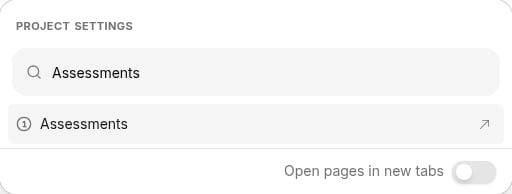
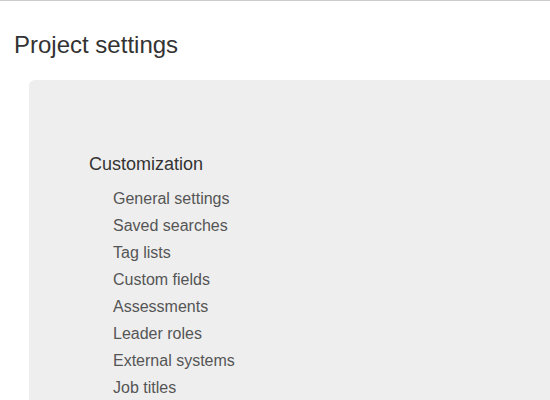
- The Assessment codes table will open, displaying all of the codes you have set up to measure workers’ support in an interactive data grid. You can sort, filter, and manage your project’s codes from this page.
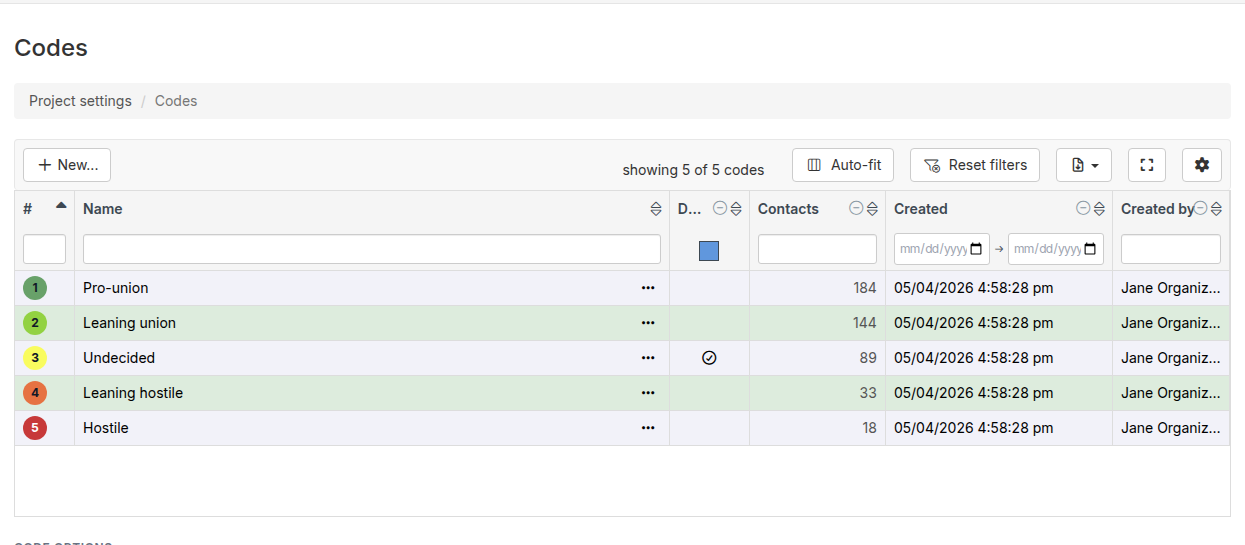
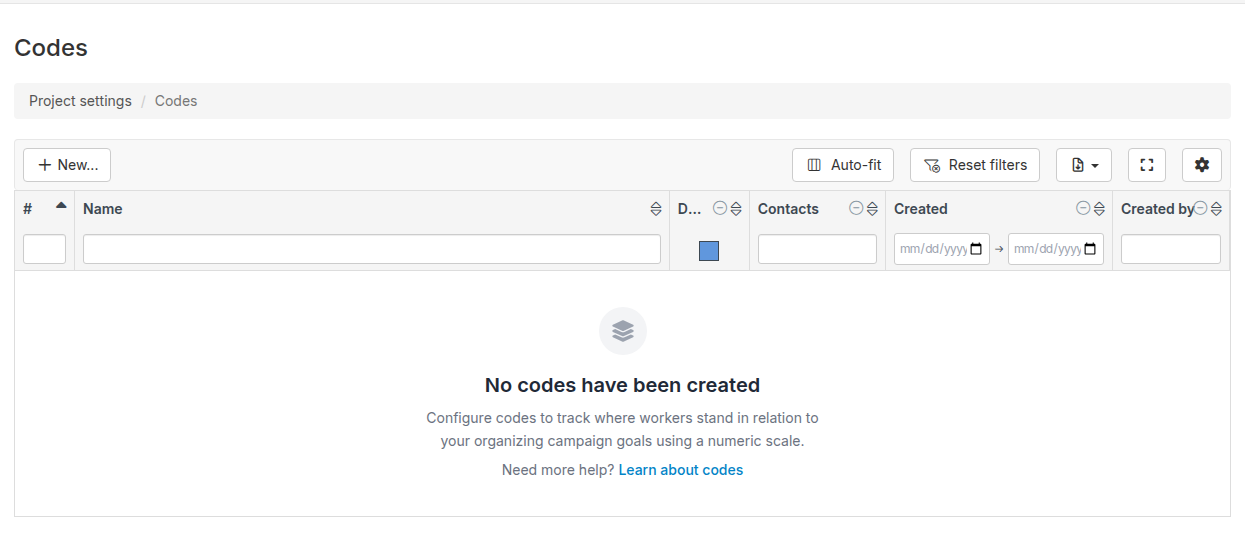
- For details on how to edit, delete, or create new assessment codes, or to configure assessment options (including enabling assessments for organizations), go to the assessment codes article.