Get started
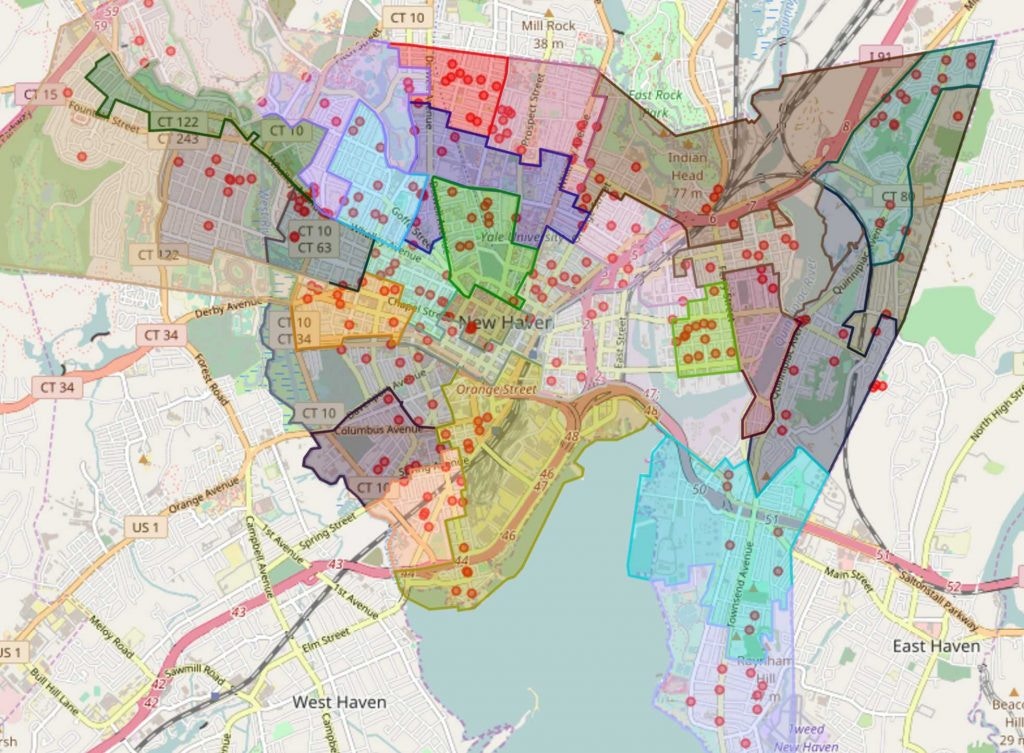
With Broadstripes’ Maps feature, you can easily view any list of people on an interactive map.- Start by clicking the Maps link on the navigation panel.
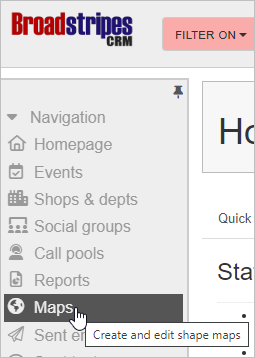
- Clicking this link takes you to Broadstripes’ Maps page. You’ll see the location of every person in your project (who has a good address) pinpointed on the map that appears.
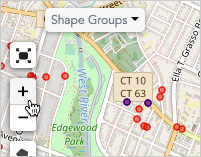
- For a better look, you can zoom in or out using the zoom controls on the left-hand side of the map, or with the plus and minus keys on your keyboard.
- The Maps page also allows you to work with geographic shapes, whether pre-loaded political districts or hand-cut turf. These shapes can be used for political outreach, planning house visits, and other geographically informed analysis of your people.