

The Find cards
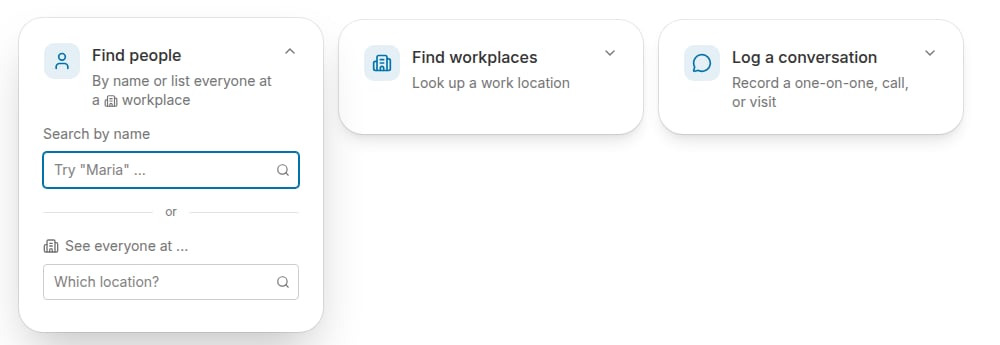
On the Home tab of your homepage, you’ll see the Find people and Find workplaces cards. (If your project doesn’t have workplaces yet, only Find people appears.)
Find people
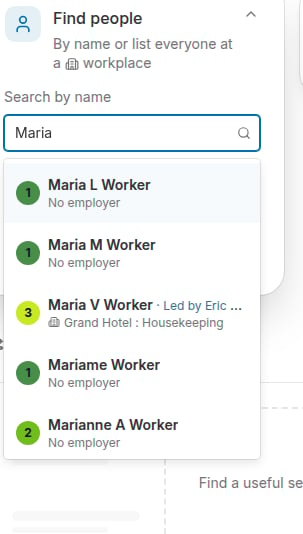
Click the Find people card to expand it. It gives you two ways to search:- Search by name — type a person’s name to pull up their individual record.
- See everyone at … — type a work location into the “Which location?” field to list everyone employed there.
Find workplaces
Click the Find workplaces card and start typing a work location’s name. Select the workplace to run a search for it — the workplace appears in the Search Results panel, where you can click its name to open its record.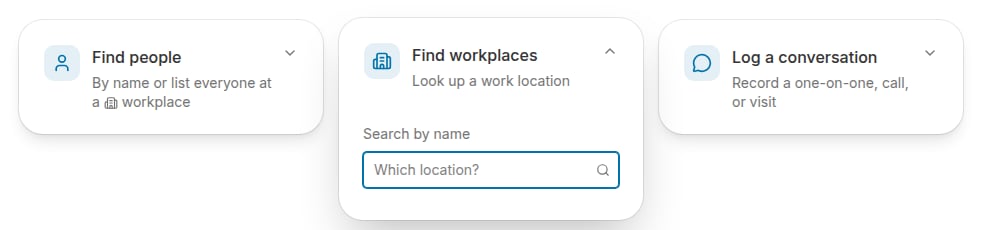
The Find cards are the fastest way to look up a record, but they aren’t the only way to search Broadstripes. You can search for a person by name from the search bar at the top of any page, and the search builder lets you search using a host of additional criteria. Learn about building your own custom search in the Search builder article.